STL, 3DM, STEP and OBJ: which jewelry CAD file you need
Four formats, four jobs. What each one holds, which to hand your caster, and why a file that looks fine can still be impossible to weigh.
Updated August 7, 2026 · 4 min read
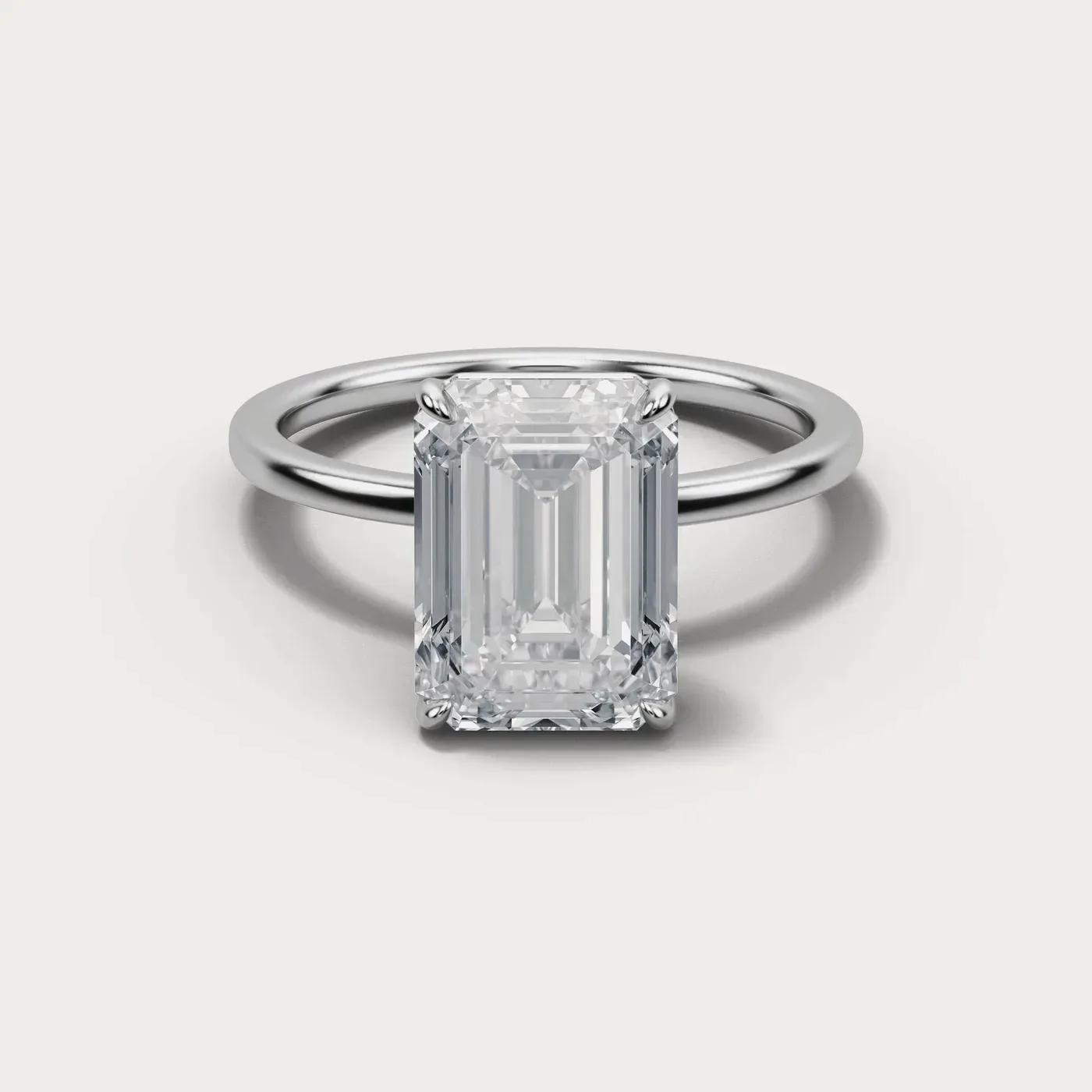
When a CAD model is delivered you usually get more than one file, and the difference between them is not quality — it is what each one remembers. One holds the curves the model was drawn from. One holds only the surface, as triangles. One is a neutral format other software can open. One is for pictures. Handing your caster the wrong one wastes a day; handing your renderer the wrong one wastes a week.
This is what each is for, in the order you are most likely to need them.
STL — the one that gets made
An STL is the model’s surface approximated by triangles. No curves, no layers, no history: just a shell. That is exactly what a printer or a casting house wants, because it is unambiguous — there is nothing to interpret.
It is also the file anything can be weighed from. Volume comes out of the mesh, and volume times the density of the alloy is the weight of the finished piece — which for most jewelry is the largest single line in the cost. That is why an STL is the first thing anyone quoting production asks for.
Closed, or it cannot be weighed
A mesh only has a volume if it is closed — every edge shared by exactly two triangles, no holes, no loose faces. An open mesh has no inside, so it has no volume, so it has no weight and no price. It will still look perfectly normal on screen, which is what makes this the most common surprise in a first order.
Our own tooling refuses a model it cannot close, and says how many open edges it found rather than guessing. If you are exporting from Rhino, MatrixGold or Blender, check the mesh is watertight before you send it; every one of them can tell you, and every one of them will happily export something that is not.
Millimeters, always
STL carries no units. The file says "5.4" and nothing at all about whether that is millimeters, centimeters or inches — the receiving software decides, and it usually decides wrong. A ring exported in centimeters arrives as a bracelet; exported in inches, as a napkin ring.
The check is quick: a ring is roughly 16–22 mm across, a pendant rarely over 40. We treat anything under 3 mm or over 300 mm on its longest side as an export in the wrong units and stop, because a piece cast at ten times its size is an expensive way to find out.
3DM — the one you can change
A 3DM is Rhino’s native format, and it holds the model the way it was actually built: NURBS surfaces, layers, construction geometry. Curves are curves rather than an approximation of curves, so a band can be made 0.2 mm narrower without any loss.
This is the file to keep. If you ever want the piece in another size, another stone, or with the shoulders reworked, this is what makes that an edit rather than a redraw. Ask for it even if nobody on your side owns Rhino — the next studio you work with will.
STEP — the one other software opens
STEP (you will see it as .stp or .step) is the neutral exchange format for solid CAD. It keeps real surfaces and solids like a 3DM does, but it is an ISO standard rather than one company’s file, so SolidWorks, Fusion, Inventor and most CAM software read it directly.
For jewelry it matters in two places: CNC work, and any component that has to mate with something engineered — a clasp, a hinge, a watch fitting. If your work never leaves the jewelry world you may never open one.
OBJ — the one that renders
An OBJ is a mesh like an STL, but it can carry texture coordinates and material references. Nobody casts from it. It exists so a model can be dropped into a renderer, a configurator or a web viewer with its materials roughly intact.
If you are having renders made you will not need to touch it — the studio doing the rendering works from the CAD. Ask for it when you want the piece on your own site in 3D, or in a client-facing viewer.
What to ask for
For most orders, two files are enough, and they are the two we send by default:
- STL — hand this to your caster or printer. It is also what anyone pricing production will ask for.
- 3DM — keep this. It is the only one that lets the piece be changed later without starting again.
- STEP — ask when the piece is going into CNC or has to fit an engineered part.
- OBJ — ask when the piece is going into a renderer or a 3D viewer you run yourself.
All four are yours. A model you paid to have drawn should not be something you have to ask permission to take elsewhere, and a studio that will only release an STL is a studio that has decided you will be back whether you want to be or not.
Every file described here is delivered with the model, and yours to keep.